
AI art is everywhere in 2025—but many creators still feel stuck. The main problem is not a lack of tools; it’s the overload of options, confusing licenses, and inconsistent results. If you’ve wondered which generator to pick, how to prompt for consistent characters, or whether you can legally sell AI images, this guide is for you. Below, you’ll learn how to choose the right AI art tools, build a reliable workflow, navigate copyright safely, and spot the trends that will shape your creative career. By the end, you’ll have practical steps to create AI art confidently—and turn inspiration into publish-ready work.
Sponsored Ads
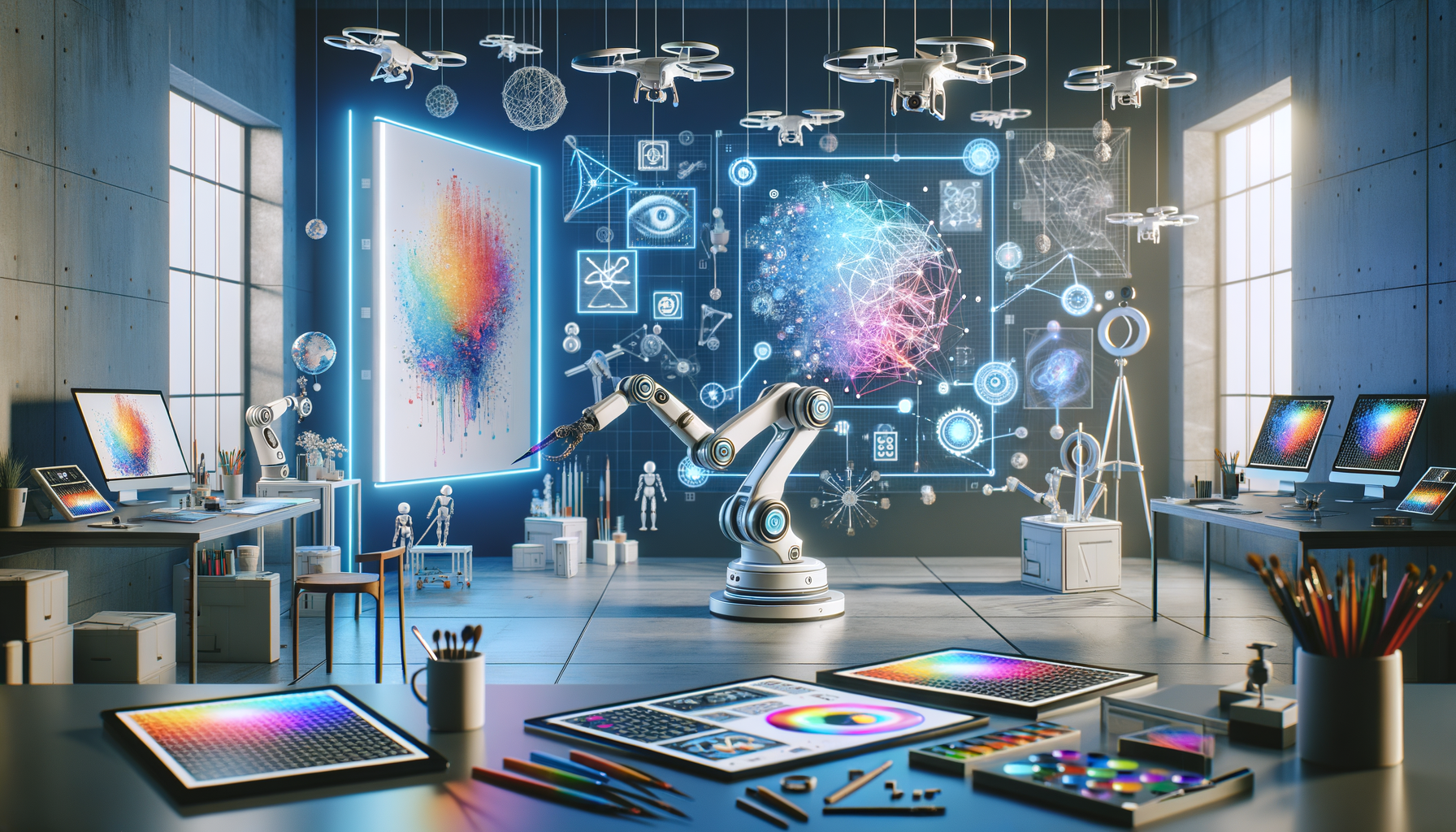
Choosing the Right AI Art Tools in 2025 (Without the Overwhelm)
With dozens of generators promising “magic,” picking the right AI art tool comes down to three questions: What style do you need? Where will the art be used? And how much control do you want? If you value fast, guided results and a friendly UI, hosted platforms shine. If you want granular control (custom models, fine-tuning, advanced composition), open-source or hybrid setups are best. Below is a quick comparison of leading options in 2025. Always check licenses and commercial-use terms, as they change frequently.
| Tool | Strengths | Ideal For | Notes/Licensing |
|---|---|---|---|
| Midjourney | High aesthetics, strong composition, stylization | Concept art, posters, stylized visuals | Subscription; commercial allowed per plan; review terms |
| DALL·E via ChatGPT | Natural language prompts, editing, variations | Marketing assets, quick ideation, clean graphics | Usage policy applies; check commercial-use terms in your plan |
| Stable Diffusion XL | Local control, LoRA/ControlNet, community models | Advanced users, custom workflows, R&D | Open weights; licensing varies by model and dataset |
| Adobe Firefly | Integrated with Photoshop/Illustrator, style controls | Brand-safe graphics, enterprise workflows | Trained on licensed/content; see Adobe terms for commercial use |
| Leonardo AI | Fine-tuning, model management, fast iteration | Game assets, product shots, character sets | Subscriptions and usage tiers; review rights per plan |
For beginners, start with Midjourney or DALL·E because they produce strong results with minimal setup. For professionals who need repeatability, Stable Diffusion XL with tools like ControlNet, IP-Adapter, and LoRA offers precise control over pose, layout, and style consistency. If your workflow is already in Creative Cloud, Firefly’s integration with Photoshop’s Generative Fill makes it easy to edit, upscale, and deliver within the same tools you use for print or web.
Tip: define your “must-have” list (e.g., “consistent characters,” “photo-true products,” “vector-ish posters”). Then test two tools side by side with the same brief. Track time-to-first-usable-output and revision count. Choose the one that balances quality, speed, and rights for your use case. Finally, save your best prompts and settings in a personal “recipe” doc so you can repeat wins on future projects.
Prompting and Workflow That Actually Works (Step-by-Step)
Great AI art isn’t just about the model—it’s about your process. Use this practical 7-step workflow to turn vague ideas into publish-ready images, faster and with fewer revisions.
1) Define the goal and constraints. Write a one-sentence brief: subject, mood, style, output size, and where it will be used (social, print, web). Example: “Hero image of a neon-lit street food stall at night, cinematic 35mm look, 4:5 for Instagram.”
2) Build a reference bundle. Collect 3–5 images showing composition, palette, texture, and lighting. If your tool supports it, use image references or style presets. In Stable Diffusion, pair references with IP-Adapter or a LoRA; in Midjourney, use reference images and “stylize” settings.
3) Draft the prompt in layers. Use a structure: Subject + Context + Camera/Art terms + Lighting + Color + Style anchors + Output details. Example: “Close-up portrait of a street-food chef, shallow depth of field, 35mm lens, bokeh, warm rim light, teal-orange color grade, inspired by documentary photography, 4:5, high detail.” Add negative prompts (e.g., “no blurry hands, no extra fingers, no text artifacts”) to reduce errors.
4) Control composition. For Stable Diffusion, use ControlNet with a depth or pose map to lock framing and body position. For inpainting/outpainting, mask regions and iterate precisely. In Photoshop, use Generative Fill to fix hands, edges, and backgrounds non-destructively.
5) Iterate with seeds and versions. Keep the same seed when you want consistency; change it to explore. Adjust guidance (CFG), steps, and samplers to balance coherence and creativity. In hosted tools, use “variations,” “remix,” or “pan/zoom” features to refine.
6) Polish and upscale. Use a high-quality upscaler and a light denoise pass. Check for artifacts around fingers, text, and edges. Consider a subtle color grade to unify the set. For brand work, add overlays and typography in your design app, not in the generator.
7) Document your recipe. Save the final prompt, seed, settings, and references alongside the exported files. This “prompt provenance” speeds up revisions and helps you reproduce a look for future campaigns.
Pro move: for character consistency across a series, train a lightweight LoRA (or a personal model on platforms like Leonardo) using 10–20 curated images. Keep the training set clean, diverse in angles, and consistent in lighting. Then prompt with the character tag plus your usual style instructions. This approach is the fastest path to stable output across episodes, ads, or product variations.
Ethics, Copyright, and Commercial Use: Create Safely and Confidently
The legal landscape of AI art is evolving, but you can operate safely by following a few principles. First, know that many jurisdictions require human authorship for copyright registration. In the U.S., the Copyright Office has clarified that purely machine-generated content is not protected, though human selection, arrangement, and editing may qualify; disclosure is recommended when submitting works. If you need enforceable rights, keep a human-in-the-loop: plan, compose, mask, and make substantial edits to the output.
Second, review the license and training data policies of your chosen tool. Adobe Firefly emphasizes licensed sources and enterprise-friendly terms. Open-source models like Stable Diffusion XL offer flexibility, but individual checkpoints and LoRAs may have different licenses—always read them. Some platforms allow commercial use by default; others restrict certain use cases. If you work with brands, make “dataset transparency and content credentials” part of your standard contract language.
Third, disclose AI use and attach content credentials where possible. The Coalition for Content Provenance and Authenticity (C2PA) provides an open standard for embedding tamper-evident provenance metadata. Adobe’s Content Credentials implement C2PA in Creative Cloud apps, helping you show what was generated and what was edited. Google’s SynthID is another watermarking approach aimed at labeling AI-generated media. These tools support trust and can become required by clients or platforms.
Fourth, respect artist opt-outs and sensitive content guidelines. Tools like Have I Been Trained? help creators manage dataset preferences. Avoid mimicking living artists by name, especially for commercial work—focus on genres or movements instead. Finally, watch regulatory updates: the EU AI Act introduces risk-based obligations and transparency requirements that may impact disclosures and data governance across the AI supply chain. When in doubt, ask your client’s legal team to review tool terms and your workflow.
Key links for deeper reading: U.S. Copyright Office, C2PA, Google SynthID, and the EU AI Act overview.
AI Art Trends for 2025: What’s Next and How to Prepare
Several shifts are reshaping AI art in 2025—and creators who adapt early will stand out. First, text-to-video is maturing. While access remains limited, systems showcased by major labs are pushing cinematic quality, dynamic camera moves, and coherent physical interactions. Keep an eye on safety filters and licensing; start by mastering storyboard frames and animatics using image generators, then graduate to short clips as tools open up. Explore: OpenAI Sora (limited access).
Second, multimodal workflows are becoming the norm. Instead of a single prompt, expect pipelines: sketch to line-art to color; photo to 3D; layout to typography; image to vector-like stylization. Open ecosystems around Stable Diffusion continue to expand with ControlNet variants, region-specific prompting, and fine-tuning methods that let you lock style and identity. Enterprise tools are integrating guardrails, brand palettes, and asset libraries so teams can produce on-brand content at scale.
Third, 3D and spatial media are accelerating. Image-to-3D via Gaussian splats, NeRF-like reconstructions, and instant asset generation will feed game engines and AR platforms. Creators who learn basic 3D staging—camera, light rigs, PBR materials—will command higher rates. Even if you stay 2D, understanding depth maps and normal maps improves lighting realism in your images.
Finally, on-device generation is arriving. With stronger mobile and laptop NPUs, expect faster drafts without the cloud. This means more private workflows and lower latency, but you’ll still need a good data hygiene practice: file provenance, consistent naming, and explicit consent for any training assets. The big takeaway: build durable skills (composition, color, storytelling) and pair them with model-agnostic techniques (prompt structure, reference use, inpainting). That combination will outlast specific tools or version changes.
Quick Q&A
Can I sell AI art? Often yes, but it depends on the tool’s terms and your local law. Use human-directed workflows, keep records (prompts, edits), and add content credentials to support provenance for clients.
What’s the best AI art tool for beginners? Midjourney and DALL·E via ChatGPT are easiest to start with. If you need deep control, learn Stable Diffusion XL after you’re comfortable.
How do I keep a character consistent? Train a small LoRA or personal model with 10–20 curated images, then reuse the same seed and prompt tags. ControlNet helps lock pose and composition.
Is it OK to reference living artists? For ethical and legal risk reduction, avoid using living artists’ names—anchor prompts to genres, movements, or descriptive style terms instead.
How do I avoid biased outputs? Be explicit: include diverse attributes in prompts, review outputs critically, and curate datasets responsibly if you fine-tune.
Conclusion
We covered the core challenges of AI art in 2025—tool overload, inconsistent results, and licensing uncertainty—and turned them into a plan. You now know how to pick generators based on your goals, build a repeatable prompting workflow, create safely with clear documentation and content credentials, and prepare for emerging trends like text-to-video, multimodal pipelines, and on-device generation. The key is to think like a director: define the shot, set constraints, iterate with intention, and finish with professional polish.
Your next step: pick one project you care about and run the 7-step workflow this week. Create a small set (3–6 images), document your “recipe,” and add content credentials before sharing. If you’re freelancing, turn that recipe into a one-page PDF for clients; it signals process maturity and speeds approvals. If you’re building a brand, standardize prompts, seeds, and style references so your team can deliver consistent visuals across campaigns. Bookmark the links above, and check tool terms quarterly—small changes can affect rights and distribution.
AI won’t replace your voice; it will amplify it—if you guide it with craft and care. Start small, improve your recipe, and publish your next piece with confidence. What story will you bring to life today?
Sources and Useful Links
– U.S. Copyright Office: https://copyright.gov
– C2PA (Content Credentials standard): https://c2pa.org
– Google SynthID: https://deepmind.google/technologies/synthid/
– EU AI Act overview: https://digital-strategy.ec.europa.eu/en/policies/european-approach-artificial-intelligence
– Midjourney: https://www.midjourney.com
– OpenAI (DALL·E via ChatGPT): https://openai.com
– Stable Diffusion XL (Stability AI): https://stability.ai/stable-diffusion
– Adobe Firefly: https://www.adobe.com/sensei/generative-ai/firefly.html
– Leonardo AI: https://leonardo.ai
– Spawning/Have I Been Trained?: https://www.spawning.ai
– OpenAI Sora (overview): https://openai.com/sora










