
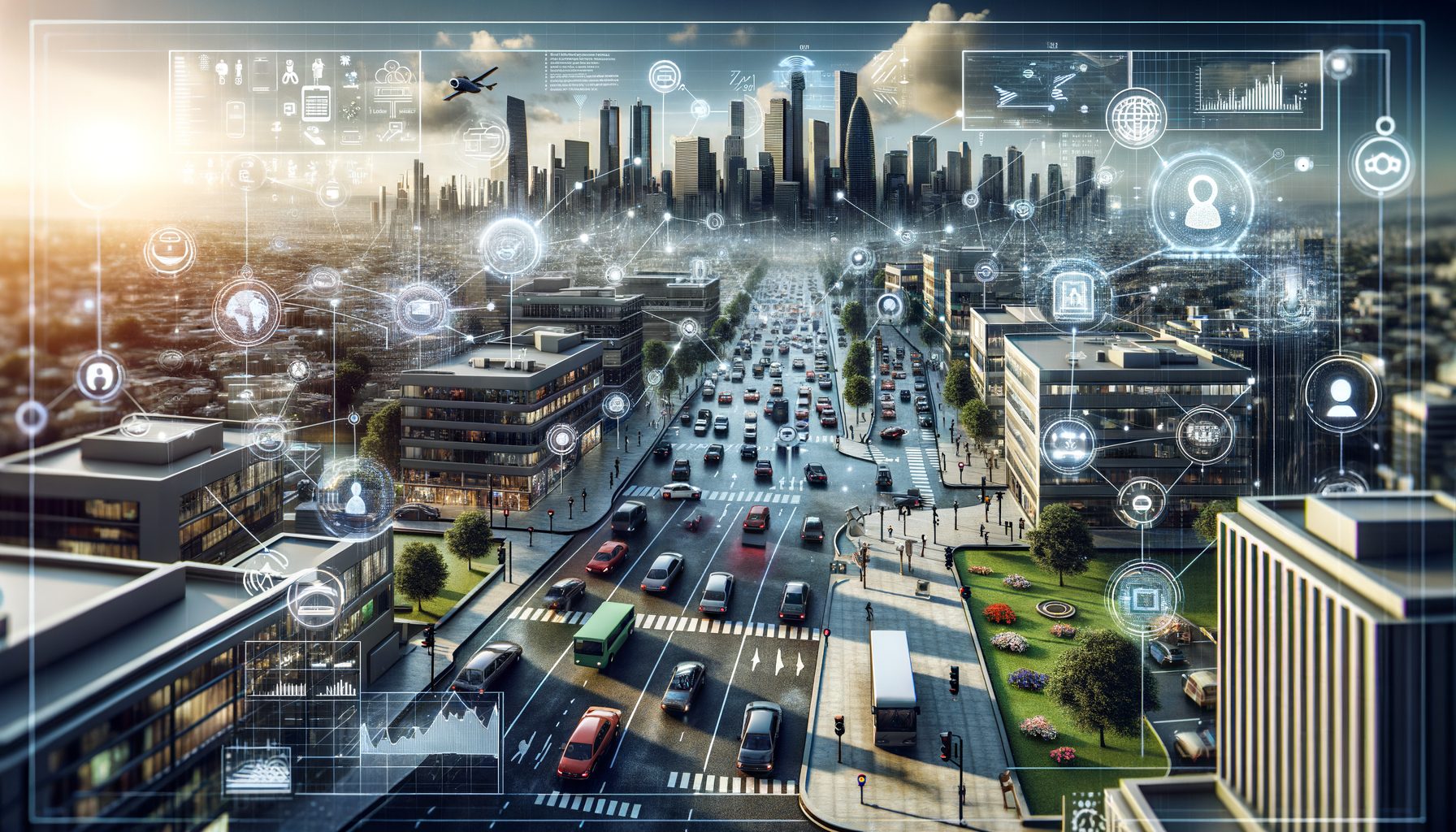
Here is the problem most teams face today: cameras and sensors are everywhere, but sending raw video to the cloud is expensive, slow, and risky for privacy. Edge computer vision solves that by running real-time AI imaging directly on IoT devices—right where data is created. That means faster decisions, lower bandwidth costs, and better resilience when connectivity is weak. If you have ever waited seconds for a remote model to respond, or struggled to meet power budgets on battery devices, this shift to on-device intelligence is the upgrade you have been waiting for.
Sponsored Ads
What Edge Computer Vision Is—And Why It Matters for IoT
Edge computer vision is the practice of running AI vision models on or near the device that captures the image—such as a camera-equipped microcontroller, a single-board computer, a smart gateway, or an industrial PC. Instead of streaming full frames to a data center, the device performs on-device inference and usually transmits only compact results (like a count, a bounding box, or an alert). This architecture reduces latency from hundreds of milliseconds to single-digit milliseconds, cuts bandwidth usage by orders of magnitude, and keeps sensitive visuals local for stronger privacy.
Why it matters now: IoT deployments are scaling fast across retail, manufacturing, mobility, healthcare, and agriculture. These environments demand instant feedback—think safety zones around robots, shelf-stock detection, pedestrian alerts, or crop pest spotting—where a 200 ms delay can be the difference between a smooth workflow and a costly incident. Edge models also enable operations in low-connectivity settings (warehouses, farms, offshore) and allow smart batching, where only exceptions are sent to the cloud for deeper analysis.
Primary benefits you can expect include low latency (real-time decisions), data minimization (less sensitive data leaves the device), cost control (reduced cloud egress and storage), and reliability (works even when the network does not). Technically, the approach leverages optimized runtimes, quantized models, hardware accelerators (like NPUs or TPUs), and smart pipelines that pre-process frames before inference to save compute cycles. For organizations under regulatory pressure, on-device processing also supports compliance by avoiding unnecessary transfer of personally identifiable information.
The Tech Stack: Hardware, Models, and Tools You Actually Need
A practical edge vision stack has three layers: capture hardware, AI acceleration, and software runtimes. On the capture side, choose image sensors and lenses that match your real scene constraints (lighting, motion blur, field of view). Many compact boards support MIPI-CSI cameras for low-latency, high-throughput streaming. For acceleration, consider platforms with built-in NPUs or attachable modules: NVIDIA Jetson for GPU-centric workloads, Google Coral for the Edge TPU, and x86 with Intel iGPUs or discrete GPUs for higher performance. For tiny devices, microcontrollers with DSP extensions or specialized low-power NPUs enable TinyML vision.
On the software side, common choices include TensorFlow Lite for Microcontrollers and for embedded Linux, ONNX Runtime for cross-vendor portability, and Intel OpenVINO for CPU/VPU optimizations. These runtimes support techniques like post-training quantization (INT8 or even INT4), pruning, and knowledge distillation to shrink models without massive accuracy loss. For object detection, lightweight families such as MobileNet-SSD, YOLO-N variants, or efficient transformers are popular. Combine them with image pre-processing (resize, color conversion, normalization) and post-processing (NMS, tracking) tuned to your frame rate target.
Approximate device classes and what to expect:
| Device Class | Example Platform | AI Performance (approx.) | Typical Input | Latency per frame | Power |
|---|---|---|---|---|---|
| TinyML MCU | ARM Cortex-M / STM32 + small camera | Tens of MMAC/s | Grayscale 96×96 | 50–200 ms (simple models) | <100 mW |
| Embedded NPU | Google Coral Dev Board (Edge TPU) | ~4 TOPS | RGB 320×320 | 5–15 ms | 2–4 W |
| GPU SoC | NVIDIA Jetson Orin Nano | Up to tens of TOPS | RGB 640×640 | 3–10 ms | 5–15 W |
| Industrial PC + GPU | x86 + RTX-class GPU | Tens–hundreds of TOPS | HD/4K | 1–8 ms | 50–150 W |
Numbers above are indicative and depend on model size, quantization, and pipeline optimizations. Evaluate your own workload before finalizing hardware. To explore tooling, see TensorFlow Lite (official site), ONNX Runtime (official site), Intel OpenVINO (overview), NVIDIA Jetson (developer portal), and Google Coral (product page). For camera buses, review MIPI CSI standards (MIPI Alliance).
Building a Real-Time Pipeline: From Camera to Insight
Design your pipeline around a strict time budget. If your target is 30 frames per second, you have roughly 33 ms per frame to capture, pre-process, run inference, and post-process. A reliable architecture breaks the work into small steps and keeps memory copies minimal. Use zero-copy buffers when possible, pin inference input sizes (for example 320×320), and apply lightweight pre-processing (resize, normalize) in the same memory space as the camera capture. Try to fuse operations to avoid extra passes.
A step-by-step approach that scales:
1) Capture: Configure the camera for the minimum viable resolution and frame rate that still meets accuracy requirements. Good lighting often improves accuracy more than a heavier model.
2) Pre-process: Convert to the model’s expected color space, resize, and normalize. Consider region-of-interest cropping if your scene has fixed zones. Keep data in quantized format when the model is INT8 to avoid back-and-forth conversions.
3) Inference: Select a compact model first (e.g., MobileNet-SSD or YOLO-Nano) and benchmark on target hardware. Use INT8 quantization and batch size 1 for low latency. If you need more frames, consider model compilation options in your runtime (delegates for GPU/NPU, tensor layout optimizations).
4) Post-process: Apply non-maximum suppression, tracking (e.g., SORT/DeepSORT variants), and business logic. Convert detections into actionable events—like “count change,” “anomaly detected,” or “line crossed”—to reduce data transmission.
5) Output: Send compact metadata over MQTT or HTTP, and store only clips connected to alerts. For observability, publish timing metrics (p50, p95 latency) and accuracy summaries periodically. Use health checks to restart the pipeline if the camera fails.
In practice, you will gain the most by profiling early. Measure per-stage timings and identify bottlenecks. Common wins include lowering input resolution, using quantized weights, enabling platform-specific delegates, and reducing post-processing complexity. Avoid premature complexity: a simple, well-optimized model on the right hardware often beats a larger model running on a congested pipeline.
Deployment, Security, and Cost: Making It Work in the Real World
Edge deployments live in unpredictable environments—hot factory floors, dusty warehouses, or public spaces. Start with a pilot that answers three questions: Can we hold target accuracy under real lighting and motion? Can we sustain performance over time (temperature, memory leaks, degraded lenses)? Can we secure data and devices against tampering? Build your rollout plan after you have a month of stable metrics.
Security and privacy are non-negotiable. Enable secure boot and signed firmware, lock down shell access, and encrypt storage for any cached frames. Use per-device credentials, short-lived tokens, and strict certificate rotation. For data minimization, keep raw video local and transmit only derived insights. If faces or license plates appear, apply on-device blurring before any upload. Align with ISO/IEC 27001 controls for information security and reference the NIST AI Risk Management Framework for responsible AI governance. Useful resources: ISO/IEC 27001 (standard page) and NIST AI RMF (framework).
Total cost of ownership depends on three levers: hardware (CapEx), operations (OpEx), and data egress/storage. Because edge devices transmit small payloads, cloud costs usually drop dramatically. Maintenance can be managed via over-the-air updates, container images, and remote logs. Track energy budget too: a 5–15 W device may be fine for mains power, while solar or battery sites might need MCU-class solutions.
Finally, plan for ongoing improvements. Set up A/B tests for model updates on a fraction of devices, monitor drift (changing backgrounds, seasons), and retrain periodically. With a good MLOps backbone—artifact versioning, telemetry, and rollback—you can keep accuracy high without field visits. For messaging and monitoring, MQTT (protocol site) and Prometheus (metrics) are widely used and easy to integrate.
Quick Q&A: Common Questions About On-Device Vision
Q1: How do I choose the right resolution for real-time detection?
Start with the smallest resolution that still resolves your object size. If a product label is only 20 pixels wide at 320×320, increase to 416×416 or adjust camera placement/zoom. Aim to keep inference latency under your frame budget (for example, under 30 ms for 30 FPS). Better lighting and camera angle often help more than higher resolution.
Q2: Can I get near-cloud accuracy with quantized models?
Often yes. INT8 quantization with representative calibration data typically loses only 0.5–2.0 percentage points of accuracy for many detection tasks, while slashing latency and power. If the drop is larger, try per-channel quantization, fine-tuning the model post-quantization, or using a slightly larger backbone with quantization-aware training.
Q3: What if my scene changes across seasons or shifts?
Implement drift monitoring. Track precision/recall on a validation set sampled from the field, and log confidence distributions over time. When performance degrades, retrain with fresh data. You can also add simple heuristics like auto-exposure tuning, background modeling, or time-of-day policies to stabilize inputs before retraining is needed.
Q4: How do I update devices safely at scale?
Use signed artifacts and staged rollouts. Ship new models and containers to a small canary group first, watch latency and error rates, then expand. Keep a cached fallback model on-device and support remote rollback. Protect update channels with mutual TLS and short-lived credentials.
Q5: What metrics should I watch daily?
Track p50/p95 end-to-end latency, FPS stability, memory usage, device temperature, and accuracy metrics (precision, recall, false alarms per hour). Also monitor network round-trip (for alerts), camera uptime, and disk usage if clips are buffered. These indicators catch issues early and prevent silent accuracy drift or sudden outages.
Conclusion: Your Next Step to Real-Time Vision on the Edge
We covered the why and how of running vision AI directly on IoT devices: less latency, lower bandwidth, and stronger privacy. You learned the core building blocks—sensors, accelerators, and runtimes—the structure of a fast pipeline, and practical guidance on deployment, security, and cost. With lightweight models and the right hardware, you can transform raw camera feeds into instant, actionable insights at the point of capture.
Here is a simple plan to move forward this week: pick one high-value use case, define an explicit latency and accuracy target, and choose a starter platform that matches your power budget. Assemble a minimal pipeline—capture, pre-process, quantized inference, post-process—and measure every stage. If latency exceeds your budget, scale down input size, enable hardware delegates, or switch to a smaller model. If accuracy lags, collect a focused dataset from your real environment and fine-tune. Wrap the pilot with basic security: secure boot, signed updates, and on-device anonymization if sensitive content appears.
Once the prototype is stable, set up telemetry and staged rollouts. Add A/B testing for models, and a retraining loop fed by hard examples. Keep your cloud usage lean by sending only structured events, while storing short, privacy-compliant clips for audits. As your fleet grows, standardize on a few device classes and automate updates and monitoring so the system remains reliable without constant manual work.
If this guide helped clarify your path, take action today: pick your first scene, download a runtime like TensorFlow Lite, ONNX Runtime, or OpenVINO, and build a one-week proof of concept. Share your results with your team, get feedback from users on what matters most, and iterate quickly. Real-time vision at the edge is no longer futuristic—it is practical, affordable, and ready for your next project. What will you detect first?
Sources and Further Reading
TensorFlow Lite — lightweight inference on embedded and mobile.
ONNX Runtime — cross-platform inference with hardware acceleration.
Intel OpenVINO Toolkit — model optimization and deployment for CPUs, VPUs, and GPUs.
NVIDIA Jetson — embedded GPU platforms for edge AI.
Google Coral — Edge TPU hardware and tools.
MIPI CSI — camera serial interface specifications.
MQTT — lightweight messaging protocol for IoT.
Prometheus — open-source monitoring and alerting toolkit.
ISO/IEC 27001 — information security management standard.
NIST AI Risk Management Framework — guidance for trustworthy AI.










